
113 lines
4.4 KiB
Markdown
113 lines
4.4 KiB
Markdown
# [MQTT Explorer](https://mqtt-explorer.com)
|
|
|
|
[](https://travis-ci.org/thomasnordquist/MQTT-Explorer/releases)
|
|
[](https://travis-ci.org/thomasnordquist/MQTT-Explorer/releases)
|
|
[](https://travis-ci.org/thomasnordquist/MQTT-Explorer)
|
|
[](https://ci.appveyor.com/project/thomasnordquist/mqtt-explorer/branch/master)
|
|
[](https://app.codacy.com/app/thomasnordquist/MQTT-Explorer?utm_source=github.com&utm_medium=referral&utm_content=thomasnordquist/MQTT-Explorer&utm_campaign=Badge_Grade_Dashboard)
|
|
|
|
| | | |
|
|
| :---------------------------------------------------------------------------------------------------------------------------------: | :------------------------------------------------------------------------------------------------------------: | :------------------------------------------------------------------------------------------------------------: |
|
|
| [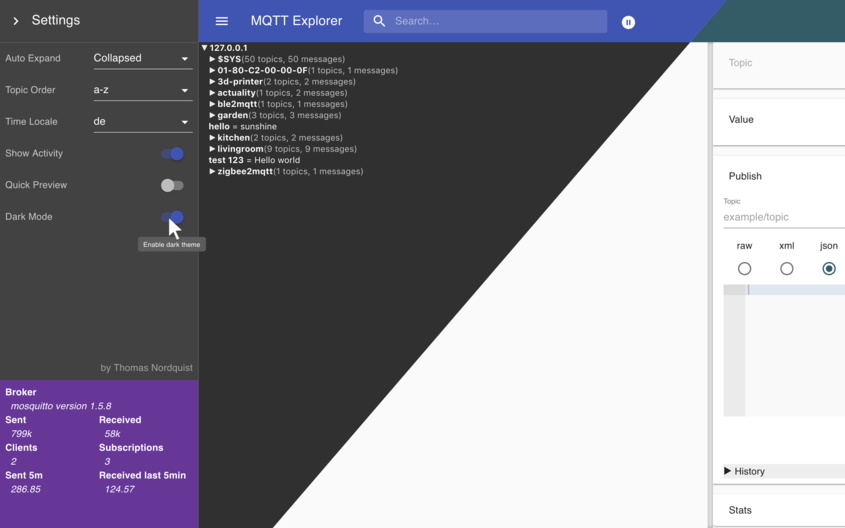](https://mqtt-explorer.com/img/screen-composite.png) | [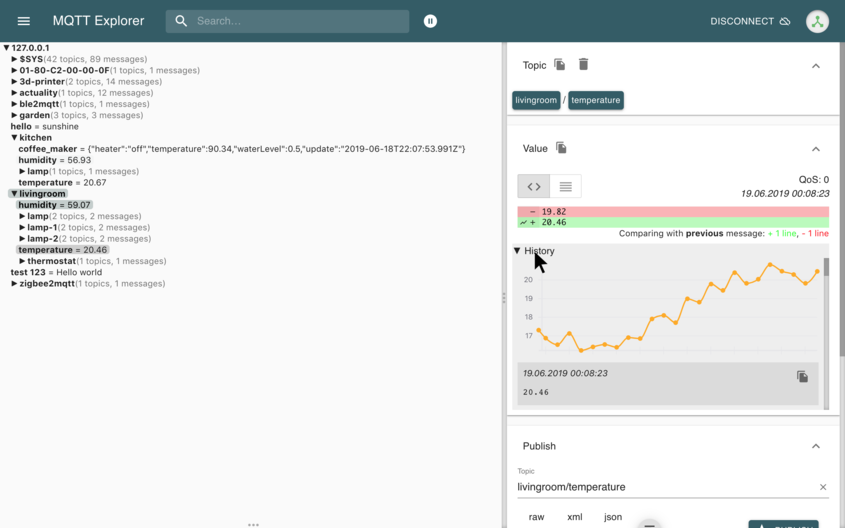](https://mqtt-explorer.com/img/screen2.png) | [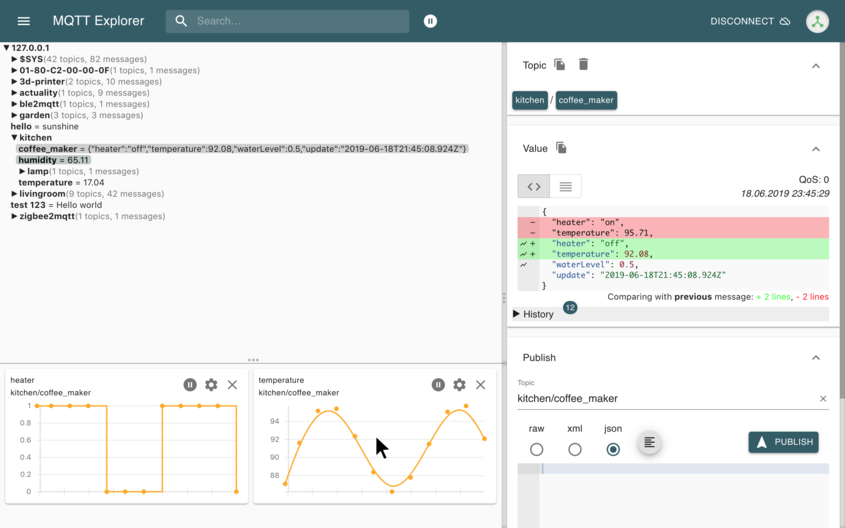](https://mqtt-explorer.com/img/screen3.png) |
|
|
|
|
# The App has moved to [mqtt-explorer.com](https://mqtt-explorer.com)
|
|
|
|
MQTT Explorer is a comprehensive and easy-to-use MQTT Client.
|
|
Downloads can be found at the link above.
|
|
|
|
This page is dedicated to its development.
|
|
Pull-Requests and error reports are welcome.
|
|
|
|
## Run from sources
|
|
|
|
```bash
|
|
npm install -g yarn
|
|
yarn
|
|
yarn build
|
|
yarn start
|
|
```
|
|
|
|
## Develop
|
|
|
|
Launch Application
|
|
|
|
```bash
|
|
npm install -g yarn
|
|
yarn
|
|
yarn dev
|
|
```
|
|
|
|
The `app` directory contains all the rendering logic, the `backend` directory currently contains the models, tests, connection management, `src` contains all the electron bindings. [mqttjs](https://github.com/mqttjs/MQTT.js) is used to facilitate communication to MQTT brokers.
|
|
|
|
## Automated Tests
|
|
|
|
To achieve a reliable product automated tests run regularly on CI.
|
|
|
|
- **Data model tests**: `yarn test:backend`
|
|
- **App tests**: `yarn test:app`
|
|
- **UI test suite**: `yarn test:ui` (independent, deterministic tests)
|
|
- **Demo video**: `yarn ui-test` (UI test recording for documentation)
|
|
|
|
### Run UI Test Suite
|
|
|
|
The UI test suite validates core functionality through automated browser tests. Each test is independent and deterministic.
|
|
|
|
```bash
|
|
# Run with automated setup (recommended)
|
|
./scripts/runUiTests.sh
|
|
|
|
# Or run directly (requires manual MQTT broker setup)
|
|
yarn build
|
|
yarn test:ui
|
|
```
|
|
|
|
See [docs/UI-TEST-SUITE.md](docs/UI-TEST-SUITE.md) for more details.
|
|
|
|
### Run Demo Video Generation
|
|
|
|
A [mosquitto](https://mosquitto.org/) MQTT broker is required to generate the demo video.
|
|
|
|
```bash
|
|
yarn build
|
|
yarn ui-test
|
|
```
|
|
|
|
## Create a release
|
|
|
|
Create a PR to `release` branch.
|
|
There needs to be a "feat: some new feature" or "fix: some bugfix" commit for a new release to be created
|
|
|
|
## Create a beta release
|
|
|
|
Create a PR to `beta` branch. A "feat" or "fix" commit is necessary to create a new version.
|
|
|
|
## Write docs
|
|
|
|
```
|
|
git clone --single-branch -b gh-pages https://github.com/thomasnordquist/MQTT-Explorer.git mqtt-explorer-pages
|
|
cd mqtt-explorer-pages
|
|
bundle install
|
|
bundle exec jekyll serve --incremental
|
|
```
|
|
|
|
Readme file: `Readme.tpl.md`
|
|
|
|
Preview is available at
|
|
http://localhost:4000/Readme.tpl
|
|
|
|
## Update docs
|
|
|
|
```
|
|
npm install
|
|
./updateReadme.ts
|
|
```
|
|
|
|
The readme will be generated from the docs.
|
|
|
|
## License
|
|
|
|

|
|
[CC-BY-Nc 4.0](https://creativecommons.org/licenses/by-nC/4.0/)
|
|
|
|
The license allows for anyone to adapt, share, and redistribute the material, as long as it is non-commercial.
|