 d69d5af2ae
Docker build was failing at `yarn install --frozen-lockfile` because
`app/yarn.lock` and `backend/yarn.lock` weren't available during
dependency installation.

## Changes

- Simplified `Dockerfile.browser` to copy all source files and
dependencies at once before running `yarn install`
- This ensures all necessary files including `app/yarn.lock` and
`backend/yarn.lock` are available for reproducible dependency
installation

```dockerfile
# Before
COPY package.json yarn.lock ./
COPY app/package.json ./app/
COPY backend/package.json ./backend/

# Install ALL dependencies (needed for build)
RUN yarn install --frozen-lockfile --network-timeout 100000

# Copy source files
COPY tsconfig.json ./
COPY src ./src
COPY backend ./backend
COPY events ./events
COPY app ./app

# After
COPY package.json yarn.lock ./
COPY tsconfig.json ./
COPY src ./src
COPY backend ./backend
COPY events ./events
COPY app ./app

# Install ALL dependencies (needed for build)
RUN yarn install --frozen-lockfile --network-timeout 100000
```

This approach trades Docker layer caching optimization for a simpler,
more straightforward Dockerfile structure where all files are copied at
once.

<!-- START COPILOT CODING AGENT SUFFIX -->


<!-- START COPILOT ORIGINAL PROMPT -->


<details>

<summary>Original prompt</summary>

>
https://github.com/thomasnordquist/MQTT-Explorer/actions/runs/20444356669/job/58744431418
build is failing, ensure all files have been added. Can't cd into app to
install packages. Build here to verify the solution.


</details>


<!-- START COPILOT CODING AGENT TIPS -->
---

✨ Let Copilot coding agent [set things up for
you](https://github.com/thomasnordquist/MQTT-Explorer/issues/new?title=✨+Set+up+Copilot+instructions&body=Configure%20instructions%20for%20this%20repository%20as%20documented%20in%20%5BBest%20practices%20for%20Copilot%20coding%20agent%20in%20your%20repository%5D%28https://gh.io/copilot-coding-agent-tips%29%2E%0A%0A%3COnboard%20this%20repo%3E&assignees=copilot)
— coding agent works faster and does higher quality work when set up for
your repo.

---------

Co-authored-by: copilot-swe-agent[bot] <198982749+Copilot@users.noreply.github.com>
Co-authored-by: thomasnordquist <7721625+thomasnordquist@users.noreply.github.com>
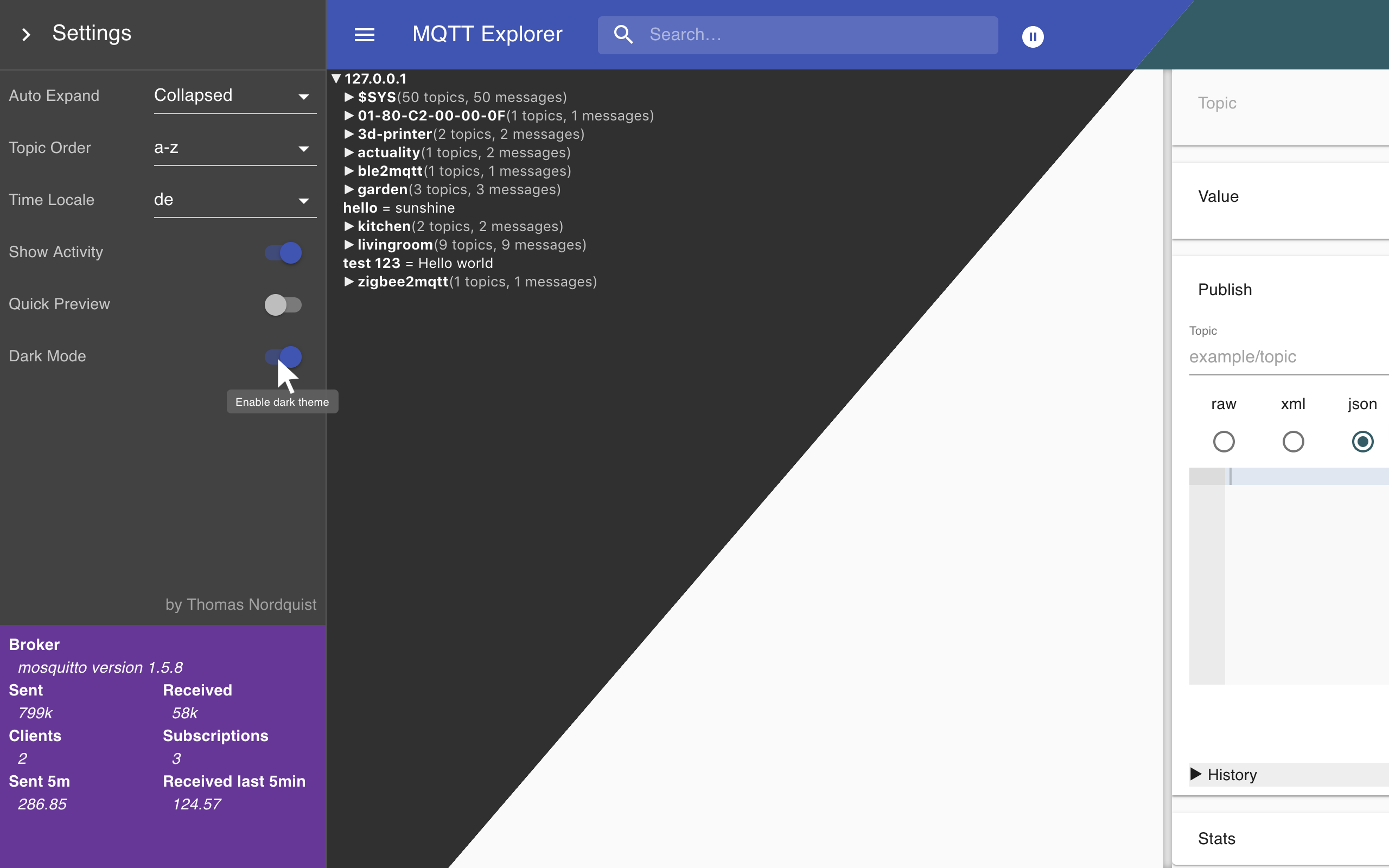
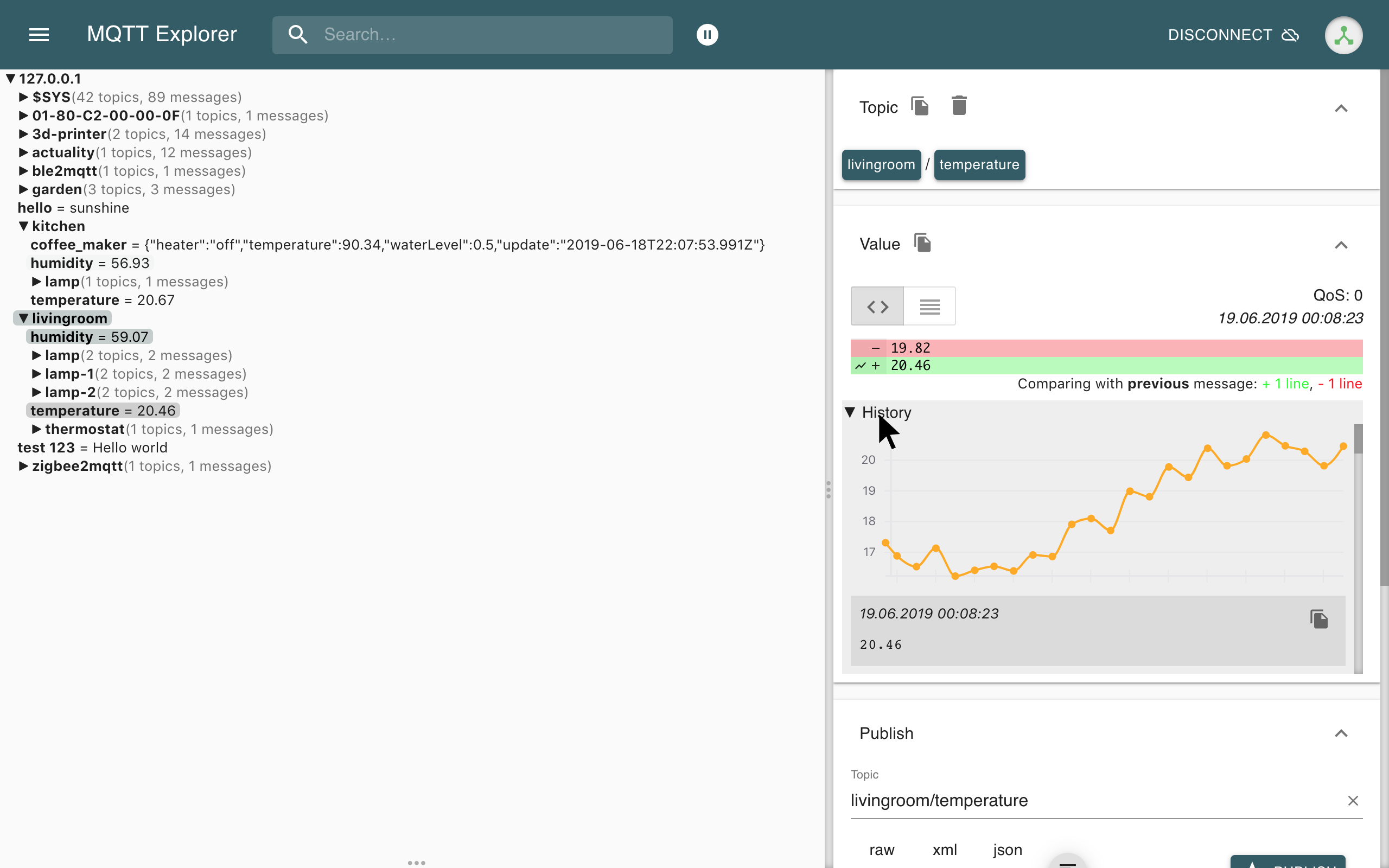
MQTT Explorer



 |
 |
 |
The App has moved to mqtt-explorer.com
MQTT Explorer is a comprehensive and easy-to-use MQTT Client.
Downloads can be found at the link above.
This page is dedicated to its development. Pull-Requests and error reports are welcome.
Quick Start with GitHub Codespaces
The fastest way to start developing is with GitHub Codespaces:
- Click the green "Code" button above
- Select "Codespaces" tab
- Click "Create codespace on [branch]"
- Wait for the environment to set up (includes Node.js and MQTT broker)
- Run
yarn dev:serverto start development
The devcontainer includes a pre-configured MQTT broker and all development tools. See .devcontainer/README.md for details.
Run from sources
Desktop Application (Electron)
npm install -g yarn
yarn
yarn build
yarn start
Browser Mode (Web Application)
MQTT Explorer can also run as a web application served by a Node.js server:
npm install -g yarn
yarn
yarn build:server
yarn start:server
Then open your browser to http://localhost:3000. For more details, see BROWSER_MODE.md.
Docker (Browser Mode)

Run MQTT Explorer in a Docker container:
docker run -d \
  -p 3000:3000 \
  -e MQTT_EXPLORER_USERNAME=admin \
  -e MQTT_EXPLORER_PASSWORD=your_secure_password \
  -v mqtt-explorer-data:/app/data \
  ghcr.io/thomasnordquist/mqtt-explorer:latest
Supports multiple platforms: amd64, arm64 (Raspberry Pi 3/4/5), arm/v7 (Raspberry Pi 2/3).
Enterprise integration: Set MQTT_EXPLORER_SKIP_AUTH=true to disable built-in authentication when deploying behind a secure authentication proxy (e.g., OAuth2 Proxy, SSO).
For complete Docker documentation including authentication options, deployment examples, and security best practices, see DOCKER.md.
Develop
Desktop Application
Launch Application
npm install -g yarn
yarn
yarn dev
Browser Mode
Launch in development mode with hot reload:
npm install -g yarn
yarn
yarn dev:server
The app directory contains all the rendering logic, the backend directory currently contains the models, tests, connection management, src contains all the electron bindings. mqttjs is used to facilitate communication to MQTT brokers.
Automated Tests
MQTT Explorer uses multiple test suites to ensure reliability and quality:
Unit Tests
App tests - Frontend component and logic tests:
yarn test:app
Backend tests - Data model and business logic tests:
yarn test:backend
Run all unit tests:
yarn test
Integration & UI Tests
UI test suite - Independent, deterministic browser tests:
yarn build
yarn test:ui
Demo video generation - UI test recording for documentation:
yarn build
yarn test:demo-video
Note: Requires Xvfb, mosquitto broker, tmux, and ffmpeg. For full video recording setup, use ./scripts/uiTests.sh.
MCP introspection tests - Model Context Protocol validation:
yarn build
yarn test:mcp
Run all tests (unit tests + demo video):
yarn build
yarn test:all
Run UI Test Suite
The UI test suite validates core functionality through automated browser tests. Each test is independent and deterministic.
# Run with automated setup (recommended)
./scripts/runUiTests.sh

# Or run directly (requires manual MQTT broker setup)
yarn build
yarn test:ui
See docs/UI-TEST-SUITE.md for more details.
Run Demo Video Generation
The demo video is used for documentation and showcases key features. It requires additional dependencies:
yarn build
yarn test:demo-video
Requirements:
- mosquitto MQTT broker
- Xvfb (virtual framebuffer)
- tmux (terminal multiplexer)
- ffmpeg (video encoding)
For full video recording with post-processing:
yarn build
./scripts/uiTests.sh
This script handles Xvfb setup, mosquitto startup, video recording, and cleanup.
Create a release
Create a PR to release branch.
There needs to be a "feat: some new feature" or "fix: some bugfix" commit for a new release to be created
macOS Notarization
macOS builds are automatically notarized during the release process. To set up notarization credentials, see NOTARIZATION.md.
Create a beta release
Create a PR to beta branch. A "feat" or "fix" commit is necessary to create a new version.
Write docs
git clone --single-branch -b gh-pages https://github.com/thomasnordquist/MQTT-Explorer.git mqtt-explorer-pages
cd mqtt-explorer-pages
bundle install
bundle exec jekyll serve --incremental
Readme file: Readme.tpl.md
Preview is available at http://localhost:4000/Readme.tpl
Update docs
npm install
./updateReadme.ts
The readme will be generated from the docs.
License


The license allows for anyone to adapt, share, and redistribute the material, as long as it is non-commercial.